


With our CMYK colour fan for DTF, you can fix your colours before you order. The colour chart shows 964 colour swatches as a real print, each labelled with its CMYK value, and with these colour values it serves as a binding reference for your print file. Whether you call it a colour fan, a colour chart or a colour palette, it shows you how a colour value will really look. In this article, you will find out why the colour chart is binding, how CMYK colours are made up, how to find the right value and how to recreate gold, silver and neon in CMYK.
The colour chart as a binding reference
A screen cannot show you reliably how a colour will look when printed, because every screen shows colours slightly differently, depending on its type, brightness and settings. The colour chart, on the other hand, is a real print. You choose the swatch that matches the shade you want and enter its CMYK value in your file.
The colour chart is binding because we produce it under the same conditions as your order: on our calibrated machines and with the ISO Coated v2 (ECI) colour profile. If you take the value of a swatch exactly and keep these settings, your print will come out in the colour of that swatch. A print from your own printer therefore does not replace the colour chart.

The DTF colour chart for textiles
- The DTF colour chart is a real printed DTF transfer with 964 colour swatches, each labelled with its CMYK value.
- Press it onto a black textile. Every DTF transfer is backed with white, so the colour impression is true against a black background.
- Judge the shade on the pressed print, not on screen.
- Keep the chart for later approvals and repeat orders.
The UV DTF colour chart for glass, metal and plastic
- The UV DTF colour chart is printed in UV DTF Standard. If you need it in matt or transparent, send us an email directly after your order, stating your order number and the version you want, to info@dtf-king.de.
- Place the chart directly on the material that will be printed later and look at it in daylight.
Both charts have the same swatches and values. Because the material is different, however, the same value can look slightly different on glass or metal than on textiles. That is why there is a separate colour chart for DTF and for UV DTF, and you always choose your shade from the chart for the process you are printing with.
Would you like to take a look first? The Sample Pack contains a mini colour chart, together with test prints of our products.
CMYK colours explained briefly
Printing uses four colours: cyan (C), magenta (M), yellow (Y) and black (K). Every shade on the colour chart is made from them, including every grey.
Each number in a CMYK value states the percentage of a colour that is printed, from 0 to 100. A CMYK value, often also called a colour code, therefore always consists of four numbers in a fixed order. ‘CMYK 6/32/100/24’ means: 6 per cent cyan, 32 per cent magenta, 100 per cent yellow and 24 per cent black. On the colour chart, the same value is shown as ‘CMYK 6 32 100 24’. In your graphics program, you enter the numbers individually for C, M, Y and K.
Your screen, on the other hand, shows colours in RGB and mixes them from light. Printing ink absorbs light instead of glowing itself. That is why the CMYK colour space is smaller, and some colours that a screen can show cannot be achieved with printing ink. You can read more about this in RGB to CMYK: why colours look different in print.
DTF printing adds white: your design is printed in colour in CMYK and backed with opaque white. You set up white areas in your design as CMYK 0/0/0/0.
How to find the right CMYK value
- On the colour chart, choose the swatch that matches the shade you want.
- Note the CMYK value underneath the swatch.
- Set up your file in the CMYK colour space with the ISO Coated v2 (ECI) colour profile, our standard for DTF and UV DTF transfers. How do I install an ICC profile? shows you how to set up the profile.
- Enter the value exactly in your file. In Illustrator, you do this under Window > Color, in Photoshop in the Color Picker for C, M, Y and K.
- Save your print file as a PDF. A PNG only supports RGB and is converted to CMYK for printing.
We do not change any colour values. If you always work with the value from the colour chart, the shade of a repeat order will turn out just like the first order, provided your print files are set up correctly, in CMYK and with the right colour profile.
Converting Pantone and HKS to CMYK
We print exclusively in CMYK. Spot colours such as Pantone or HKS lead to colour deviations, so do not set them up in your file. If you have a Pantone or HKS specification from a style guide, choose the swatch on the colour chart that comes closest to it and enter its CMYK value. You do the same for RAL colours.
Recreating gold, silver and neon in CMYK
We cannot print gold, silver or neon colours, because we print exclusively in CMYK. This applies to Standard DTF, Blockout DTF, all three versions of UV DTF and sublimation. Shades like these can only be recreated with CMYK. The metallic shine and the luminosity are not achieved.
These swatches from our colour chart are a good starting point. Check them on the colour chart before printing.
| Shade | CMYK value from the colour chart |
|---|---|
| Gold, light | 2/22/100/8 |
| Gold, medium | 6/32/100/24 |
| Gold, dark | 9/38/100/32 |
| Silver, light | 5/3/5/11 |
| Silver, medium | 16/11/11/27 |
| Silver, dark | 23/16/13/46 |
| Neon yellow | 0/0/100/0 |
| Neon pink | 0/100/0/0 |
| Neon green | 54/0/100/0 |
| Neon orange | 0/65/100/0 |

Gold and silver with a gradient
Metal gets its look from light and shadow. You can suggest this effect by setting up a colour gradient from the light value through the dark value and back to the light one, for example in lettering. You can use ordinary colour gradients in DTF printing. A gradient into full transparency, on the other hand, does not work because of the white underbase.
Neon colours in CMYK
For neon shades, use the strongest swatches without any black, for example pure yellow or magenta. Expect them not to glow as much in print as on screen, because bright green, blue, orange and pink shades become duller in CMYK.
Setting up black, white and grey correctly
| Colour | CMYK value | Good to know |
|---|---|---|
| White | 0/0/0/0 | Sublimation and UV DTF Transparent do not print white, so the surface shows through there. |
| Black for DTF | mixed from all colours or 0/0/0/100 | You will find both on the colour chart, for example the mixed black 63/62/59/94. |
| Black for sublimation | 0/0/0/100 | no 400 per cent black (100/100/100/100) |
| Grey | for example 0/0/0/30, 0/0/0/50 or 0/0/0/80 | For DTF, you can also mix grey from all colours. It is best to choose the value on the colour chart. |
Grey tones in DTF printing explains why grey tones can shift in print and how to check them.
Bonus: all colour values as a PDF
So that you do not have to unroll the whole colour chart for every value, all 964 colour values are also available as a PDF. It contains the same swatches as the colour chart, sorted by colour family from yellow through red, blue and green to brown, grey and black. The PDF applies to DTF and UV DTF.
Use it conveniently on screen, for example to look up a value quickly or to pick out suitable swatches in advance. Only the colour chart is binding, however, and a print of the PDF does not replace it either.

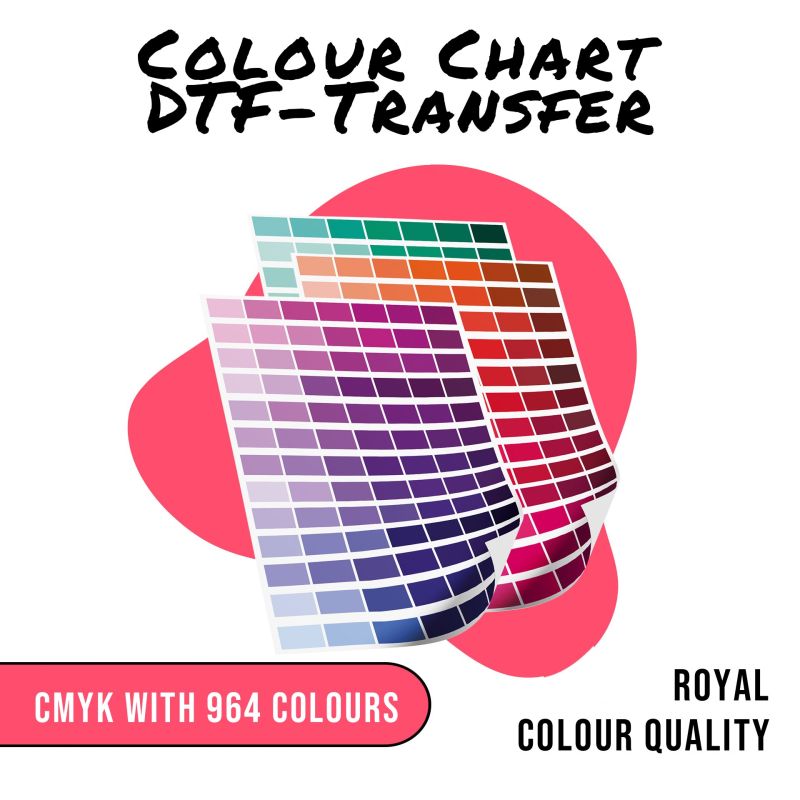 DTF colour chart
 €16.80
964 colour swatches on a roll
Prices excl. VAT plus shipping costs
View product: DTF colour chart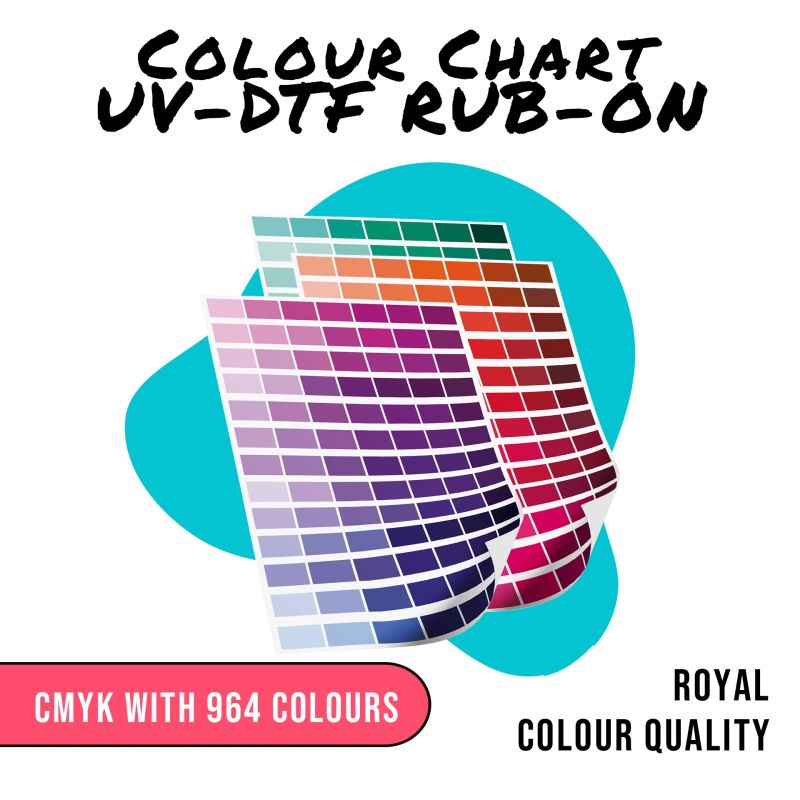 UV DTF colour chart
 €16.80
964 colour swatches on a roll
Prices excl. VAT plus shipping costs
View product: UV DTF colour chart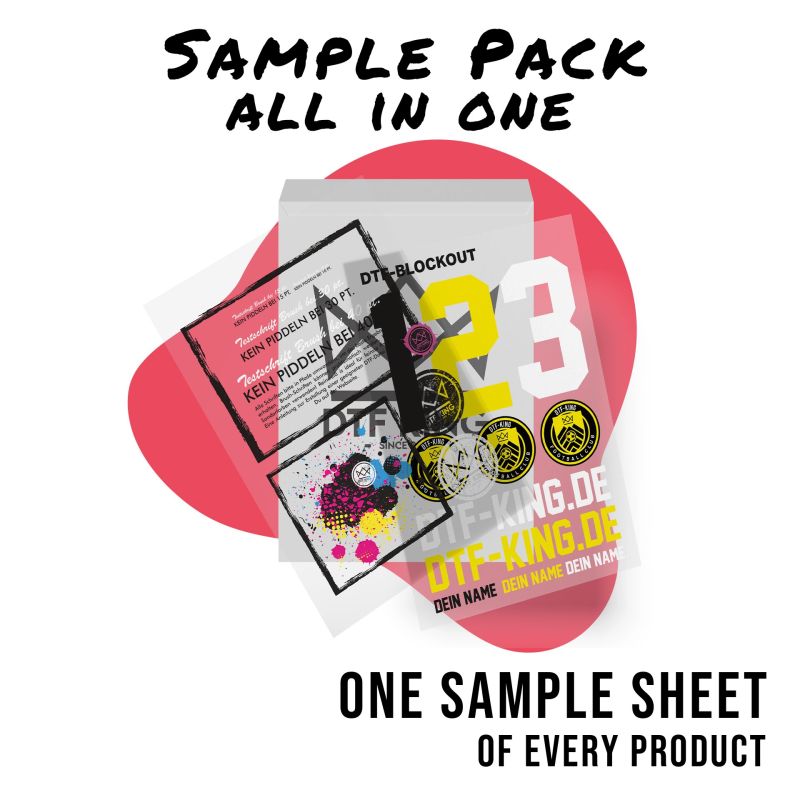 Sample Pack
 €0.01
all processes to test
Prices excl. VAT plus shipping costs
View product: Sample PackFrequently asked questions
Why is only the colour chart binding?
Because we produce it under the same conditions as your order, on our calibrated machines and with the ISO Coated v2 (ECI) colour profile. A screen or your own print does not show you how a value looks as a DTF or UV DTF transfer.
Do I need a separate colour chart for UV DTF?
Yes. The UV DTF colour chart has the same swatches and values as the DTF colour chart. On glass, metal or plastic, however, a value can look slightly different than on textiles. The UV DTF colour chart is printed in UV DTF Standard, and we produce matt and transparent on request.
Which CMYK values should I use for gold?
Gold can only be recreated with CMYK, and the metallic shine is not achieved. A good starting point from our colour chart is, for example, CMYK 6/32/100/24. You will find lighter and darker values for gold and silver in the section Gold, silver and neon. Check the shade on the colour chart.
Can I use Pantone or HKS colours?
No, we print exclusively in CMYK. Spot colours such as Pantone or HKS lead to colour deviations. Choose the matching swatch on the colour chart and enter its CMYK value in your file.
Which colour profile do I need?
Set up your file in the CMYK colour space. For DTF and UV DTF transfers, use the ISO Coated v2 (ECI) colour profile, for sublimation ISO Coated v2 300 % (ECI).
Can I use the CMYK values in Canva?
Canva works with pixels and in RGB. For DTF printing, you download your design as a PNG with a transparent background, and the PNG is converted to CMYK for printing. Bright colours may look slightly duller as a result. If a colour has to be exactly right, set up the file in a program with CMYK, for example Illustrator, Photoshop, InDesign, CorelDRAW or Affinity. Exporting your files correctly shows you the right settings.
Are the colour values also available as a PDF?
Yes. As a bonus, all 964 colour values are available as a PDF download, so that you do not have to unroll the whole colour chart every time you look something up. Only the colour chart is binding, however, and a print of the PDF does not replace it.
Can I test the colours first?
Yes. The Sample Pack contains a mini colour chart, together with test prints of our products. For matching with all 964 colours, there are the DTF colour chart and the UV DTF colour chart.
View the DTF colour chartView the UV DTF colour chartView the Sample PackColour values as a PDF
Also useful: Setting up print files correctly, Pro File Check and FAQ.
Related articles


09/03/2023
Grey tones in DTF printing

14/12/2023
How do I install an ICC profile?
Wishing you every success with your projects,
DTF-King Team