


Sublimation transfers in top quality
Order brilliant sublimation transfers from a single piece, in suitable formats for textiles, mugs and promotional items, with lower unit prices for larger quantities.

In sublimation printing, your design is first printed on transfer paper. You then use a heat press to transfer the ink to light-coloured textiles with at least 80 per cent polyester or to sublimation items coated for this purpose. Under heat, the ink bonds with the material and forms no layer you can feel.
White cannot be printed with sublimation. White areas in your file therefore stay blank. There, the colour of the textile, mug or promotional item shows through. For dark textiles and cotton, choose a suitable DTF transfer.
You can get sublimation transfers in A4, A3, cushion and mug format and as large print sheets. The products are available from a single piece. Thanks to tiered prices, the unit price falls for larger runs. On this page you will find all sublimation formats at a glance, each printed in top quality.
- From a single piece
- Tiered prices
- Express available


Sublimation transfer 1000 x 1100 mm The largest sublimation format offers around one square metre of space for large designs or extensive runs on suitable polyester items. With this sheet size, you can arrange several designs side by side and make good use of the space for recurring customer orders. Quantity tiers make larger runs more affordable. IMPORTANT: We ALWAYS send these parcels with DHL, regardless of which shipping carrier was selected. This only applies to this product. Large-format sublimation transfer 1000 x 1100 mm High-resolution four-colour print, without white Suitable for light-coloured materials with at least 80 per cent polyester and for suitable coatings We print from a single piece This item is shipped exclusively by DHL How to prepare the large sheet Your print file comes to us as a PDF or PNG with exactly one page and at the final size of 1000 x 1100 mm. It is best to set it up at 300 dpi with the ISO Coated v2 300% (ECI) colour profile, and black with the values C 0, M 0, Y 0, K 100. Do not mirror the sheet. Wherever your design is white or transparent, the item itself will remain visible later. Because a very large area is printed here, keep the ink coverage limited so that the ink can dry completely. Ordering process and shipping note You can select the Pro File Check if needed. If you have several large-format files, upload them one after another, enter the right quantity for each and finally add everything to the basket together. For this item, it makes no difference which standard shipping method you choose during checkout. It is always shipped via DHL. A maximum of 500 MB is allowed per file. The upload turns multi-page PDFs down right away, so each sheet comes as its own single-page file. If something is wrong with the files, we will contact you by email, and you can send the corrected sheet by email or via WeTransfer, always quoting your order number.
Content: 1.1 m² (€14.18 / 1 m²)

Sublimation transfer 500 x 1100 mm The elongated sheet format offers room for larger designs or several prints for a small run. As soon as A3 becomes too small, this long format is the right choice for light-coloured polyester textiles and for suitable sublimation items. During pressing, the ink passes into the material, so the item feels exactly the same afterwards as it did before. Print area of 500 x 1100 mm Sublimation print in CMYK, white is not printed Suitable for light-coloured materials with at least 80 per cent polyester Available from a single piece, tiered prices by quantity One sheet can hold several designs Setting up the print file for the long sublimation sheet Set up your file as a PDF or PNG with a single page at the final size of 500 x 1100 mm. We recommend 300 dpi and the ISO Coated v2 300% (ECI) profile; set black areas as C 0, M 0, Y 0, K 100. Keep the ink coverage within limits, otherwise the ink will not dry properly. The file is mirrored during production. Anything you set up as white or transparent is not printed, and the light-coloured surface will show there later. Upload the large format and add it to your basket Before uploading, decide whether you want to add the Pro File Check. Then place one or more single-page PDF or PNG files in the upload field and enter the quantity you want for each layout. After checking, add all sheet variants to your basket in one step. A file can be up to 500 MB. The upload field detects multi-page PDFs straight away and does not accept them, so upload each page as a separate file. If we need new files for printing, we will contact you by email. You can send the corrected file by email or WeTransfer, quoting your order number.
Content: 0.55 m² (€16.91 / 1 m²)


Sublimation transfer in A3, 297 x 420 mm A3 offers room for larger textile designs or several small sublimation prints on one sheet. This covers small runs, back prints and product samples, as long as the item is light-coloured and contains at least 80% polyester. During pressing, the ink bonds with the material, and the feel of the goods remains unchanged. Printed in CMYK, there is no opaque white Suitable for light-coloured polyester textiles and suitably coated blanks Produced from a single piece Tiered pricing applies to larger runs File format PDF or PNG, single-page in each case Setting up the A3 final format correctly Set up your file directly at 297 x 420 mm. You receive the sheet uncut, in the width of the roll and at the height of the A3 format, and your file is not scaled. We recommend 300 dpi and the ISO Coated v2 300% (ECI) profile, and for pure black the values C 0, M 0, Y 0, K 100. Do not mirror the file. Keep the ink coverage low so that the sheet can dry completely before dispatch. White is not printed. Where the design contains white, there is no colour information, and the material remains visible there after transfer. This is why dark items do not give an opaque result. Ordering several A3 sheets You can add the Pro File Check if needed. Then upload one or more single-page files as PDF or PNG and enter the quantity you want for each file. The basket then shows you the complete configuration and the price tier that matches your order quantity. A maximum of 500 MB is allowed per file. A multi-page PDF is already turned down in the upload field, so spread the pages across separate files. If something is wrong, we will contact you by email and you can send us a print-ready single page by email or via WeTransfer, stating your order number.
Content: 0.125 m² (€33.60 / 1 m²)

Sublimation transfer in A4, 210 x 297 mm A4 is suitable for small designs, product samples and one-off pieces on light-coloured polyester textiles or suitable sublimation blanks. During pressing, the ink passes into the material. As a result, no print layer can be felt. The larger the order quantity, the lower the price per piece, thanks to the tiered prices. Four-colour print, there is no white print Available from a single piece For light-coloured items with at least 80 per cent polyester or a suitable coating PDF or PNG with only one page Do not mirror it yourself, we do this in production Setting up your A4 print file correctly The document needs to be exactly 210 x 297 mm. The sheet comes uncut, in roll width and as high as A4, and we do not change the size of your file. If possible, work at 300 dpi with the ISO Coated v2 300% (ECI) colour profile. Set black as C 0, M 0, Y 0, K 100. If there is too much ink on the sheet, the print may dry more slowly and smudge. Do not mirror your file yourself; it stays the right way round and is only output mirrored at our end. Sublimation does not print white, so the surface shows through in white and transparent parts of the design. Design your layout for a light-coloured item and check the final size once more before exporting. How to order sublimation in A4 You can add the Pro File Check if needed, then upload your single-page PDF or PNG files. You can also drag and drop several files and enter a separate quantity for each. Review your selection once more and add the fully configured item to your basket. A file may be no larger than 500 MB. Only single-page PDFs can be uploaded, so save any further page as a separate file. If a file turns out to be faulty, you will receive an email from us and can send the corrected print file afterwards by email or via WeTransfer, always quoting your order number.
Content: 0.062 m² (€51.61 / 1 m²)


Sublimation transfer for mugs, 95 x 210 mm This format is prepared for the wrap of a standard 330 ml sublimation mug. The transfer is supplied mirrored and you apply it to a coated sublimation mug using a mug press or a suitable oven system. For runs, you will find the tiered prices right here on the product. File size 95 x 210 mm Supplied centred on a 100 x 240 mm transfer sheet CMYK print without white Minimum order quantity: one piece For use on suitable coated sublimation mugs Finished mugs are best washed by hand Setting up print files for the mug Set up your file at exactly 95 x 210 mm. We place your design centred on a 100 x 240 mm transfer sheet. Use 300 dpi and ISO Coated v2 300% (ECI) if possible. Set up pure black as C 0, M 0, Y 0, K 100. Set up the file unmirrored; we mirror it at our end during output. Anything that stays white in the file is not printed, so the surface of the mug will remain visible in those areas. Before exporting, take another look at how the design reads, where it sits in relation to the handle and the drinking side, and how much ink is applied. If the total ink coverage is too high, the transfer takes longer to dry and may smudge. How to put together your mug transfers If you are unsure about your files, add the Pro File Check and then upload your single-page PDF or PNG files. If you have several mug designs, you can drag and drop several files and enter the quantity for each file separately. Finally, check your selection and add it to the basket. The maximum file size is 500 MB. If a PDF has several pages, the upload refuses it, and each page then goes into a separate file. If a file error is found, you will receive an email from us and can then send us the corrected single page by email or WeTransfer, with your order number.
Content: 0.02 m² (€30.00 / 1 m²)


Sublimation transfer for cushions, 400 x 400 mm The square format is designed for cushion covers and other suitable polyester items. You can fill the 400 x 400 mm with a large design, a photo or a combination of text and logo. During pressing, the sublimation ink passes into the fibre, so there is no film edge on the cover afterwards. Square sublimation transfer, suitable for compatible cushion covers High-resolution four-colour print White is not printed Order from a single piece, tiered prices available Suitable for light-coloured materials with at least 80 per cent polyester How to set up the square file Your file has the format 400 x 400 mm. It is best to work at 300 dpi with the ISO Coated v2 300% (ECI) profile; for black, set C 0, M 0, Y 0, K 100. White parts of the design will later show the colour of the cushion cover. The design must not be supplied mirrored. Check beforehand how much of the chosen cushion cover can actually be printed, and keep important parts of the image within this area. Too much ink can delay drying and smudge when handling the transfer. The item to be printed must be light-coloured, heat-resistant and suitable for sublimation. Upload and order your cushion cover design Before uploading, you can choose to add the Pro File Check. Drag and drop your single-page PDF or PNG files, enter the quantity you want for each design and then add the order to your basket. A maximum of 500 MB is possible per file. The upload field does not accept a multi-page PDF, so each page becomes a file of its own. If a correction is needed, you will receive an email and can send the new print file by email or via WeTransfer, always quoting your order number.
Content: 0.16 m² (€21.88 / 1 m²)

Sublimation transfer 500 x 1100 mm Express This express product is intended for short-notice sublimation orders on light-coloured polyester textiles and coated blanks. The long format takes either several designs or a single large print. During pressing, the ink passes into the material and does not sit on top as a layer you can feel. EXPRESS PRODUCTION! Please also select express shipping in the basket! The sheet only goes out on the same day if express shipping is booked and the cut-off time is met. Cut-off times (German time): We take care of dispatching your parcel on time. From you, we need punctual payment and error-free print files. Faulty files or late or incomplete payments can delay dispatch. For everything to run smoothly, payment and error-free print files must be with us by 11:00 at the latest. For orders up to 10 metres, the file cut-off is 14:00. 500 x 1100 mm format in express production Printed in CMYK, no white Available from a single piece, fixed unit price with no quantity tiers A print-ready single page is required No Pro File Check with express Setting up sublimation files for express Set up the file at 500 x 1100 mm, if possible at 300 dpi with the ISO Coated v2 300% (ECI) profile. Set up black areas as C 0, M 0, Y 0, K 100. If there is too much ink on the sheet, it dries more slowly and may smudge. Please do not mirror. White is not one of the printable colours, so the surface will remain visible in those areas. No Pro File Check is possible with express. Upload your sheet, choose the quantity, pay Upload your print-ready single pages as PDF or PNG, enter the quantity you want for each file and add your selection to the basket. If your order, full payment and error-free files are with us within the cut-off time shown on the product, express processing begins. Uploads are limited to 500 MB per file. A PDF with several pages is not accepted in the first place, so upload each page as a file of its own. If something is wrong with the files, you will receive an email about it. You can send us the corrected file by email or via WeTransfer, together with your order number, but express processing only starts once the files are valid. If you want the parcel to travel faster too, also choose express shipping.
Content: 0.55 m² (€21.45 / 1 m²)

Sample Pack All in One: test DTF, UV DTF and sublimation before you order How a print feels, how sharp its edges are and how well it covers only becomes clear on the finished print, not on screen. That is why the Sample Pack contains test prints of our products and other prints, so you can feel the differences for yourself before you place your first larger order. These samples are included Test print with DTF standard adhesive Test print with DTF Blockout adhesive Mini colour chart as a sample UV DTF standard print as a sample UV DTF print in matt as a sample UV DTF print in transparent as a sample Sublimation print as a sample

2 correction rounds We check the format, colour mode with colour profile and main transparency of your print files before printing. If something is not right, we will contact you and tell you what needs to be adjusted. You correct it and we check again (round 1). If it is still not right, you correct it once more and we check a second time (round 2). After that, a new Pro File Check would be needed. The page Setting up print files correctly covers everything you need to know. Feel free to check there first whether you can get your files right yourself. The Pro File Check does not apply to Designer, express and single design products. It can only be ordered together with a product order and does not include any design work.
Applications for garment decorators and sign makers
Product examples for sublimation transfers
Sublimation is suitable for light-coloured polyester textiles and specially coated items. You order the printed transfer and then transfer the design to the right item with your own press.
- The ink bonds with the material without building up or flaking off
- Ideal for sport, clubs, company advertising, merch and personalised small runs
- From a single piece, with no minimum order value and with tiered prices for larger quantities

Printing white mugs
Ceramics with a polyester coating absorb the ink directly into the surface. The design does not sit on the glaze, so it can neither chip nor come loose at the edge.
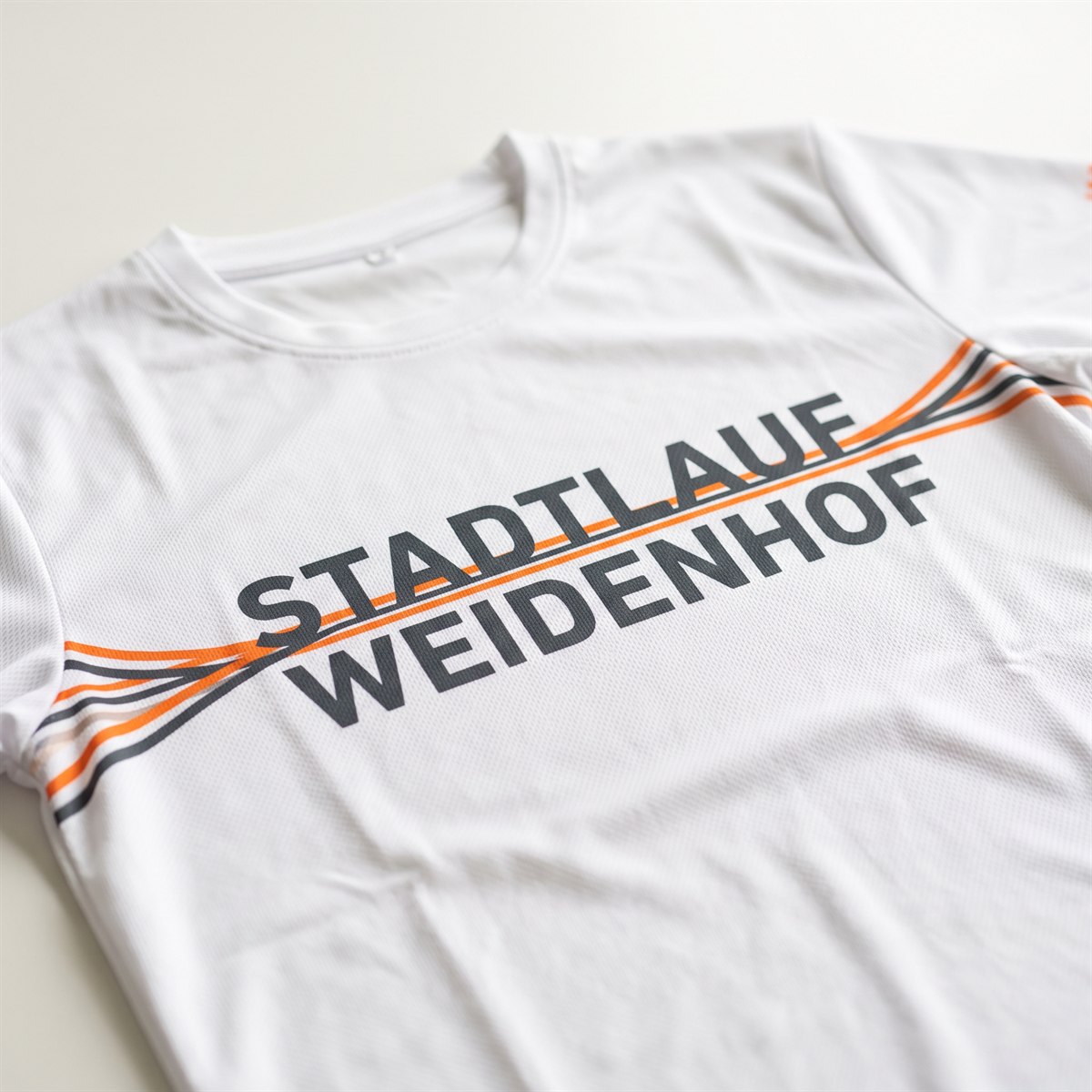
Finishing performance shirts
On polyester, the ink soaks into the fibre. The fabric stays breathable and the design cannot be felt when worn, even over a large area.
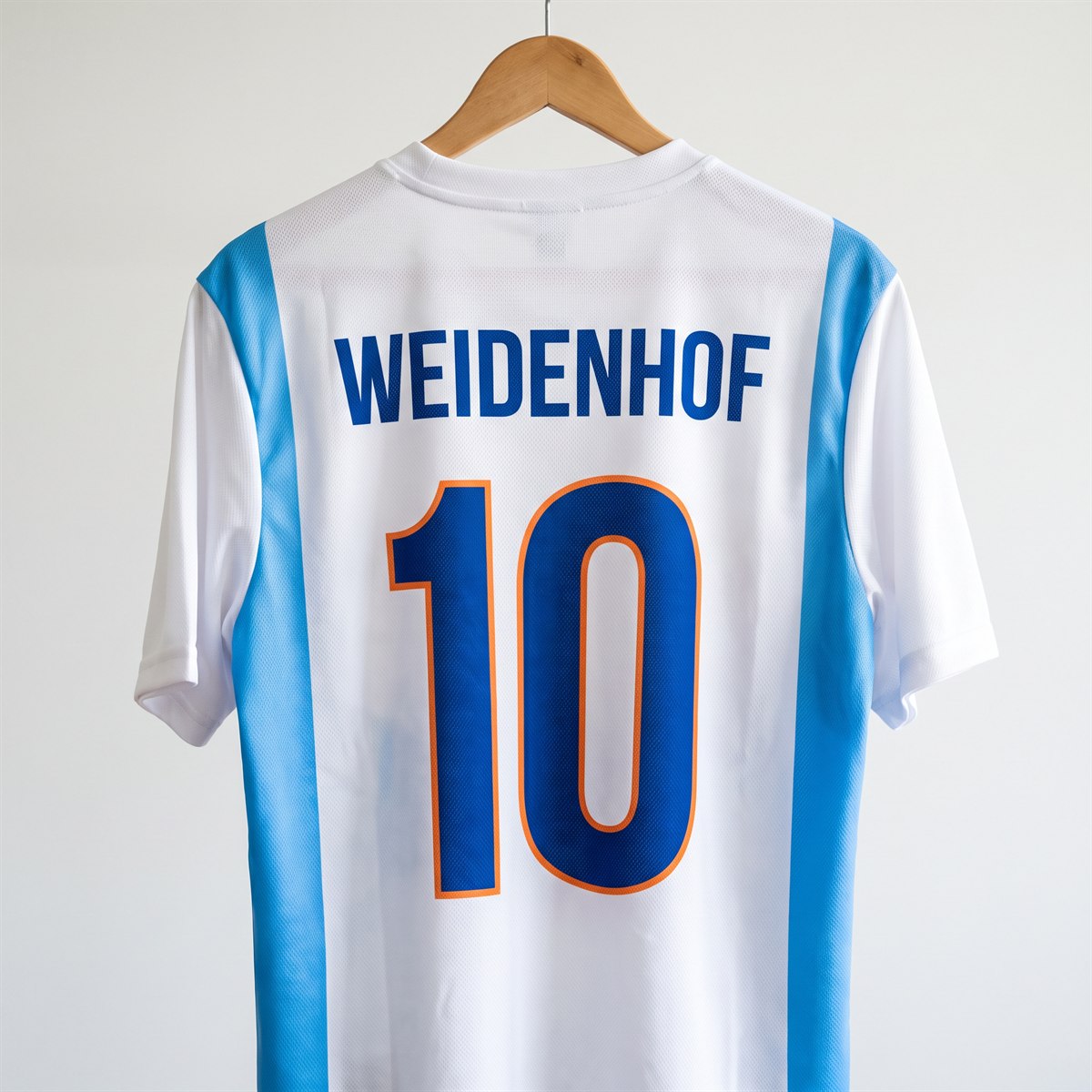
Jerseys with name and number
Names, numbers and sponsor areas are created in one go. Coloured side panels can be designed continuously, because no design edge forms between the colours.
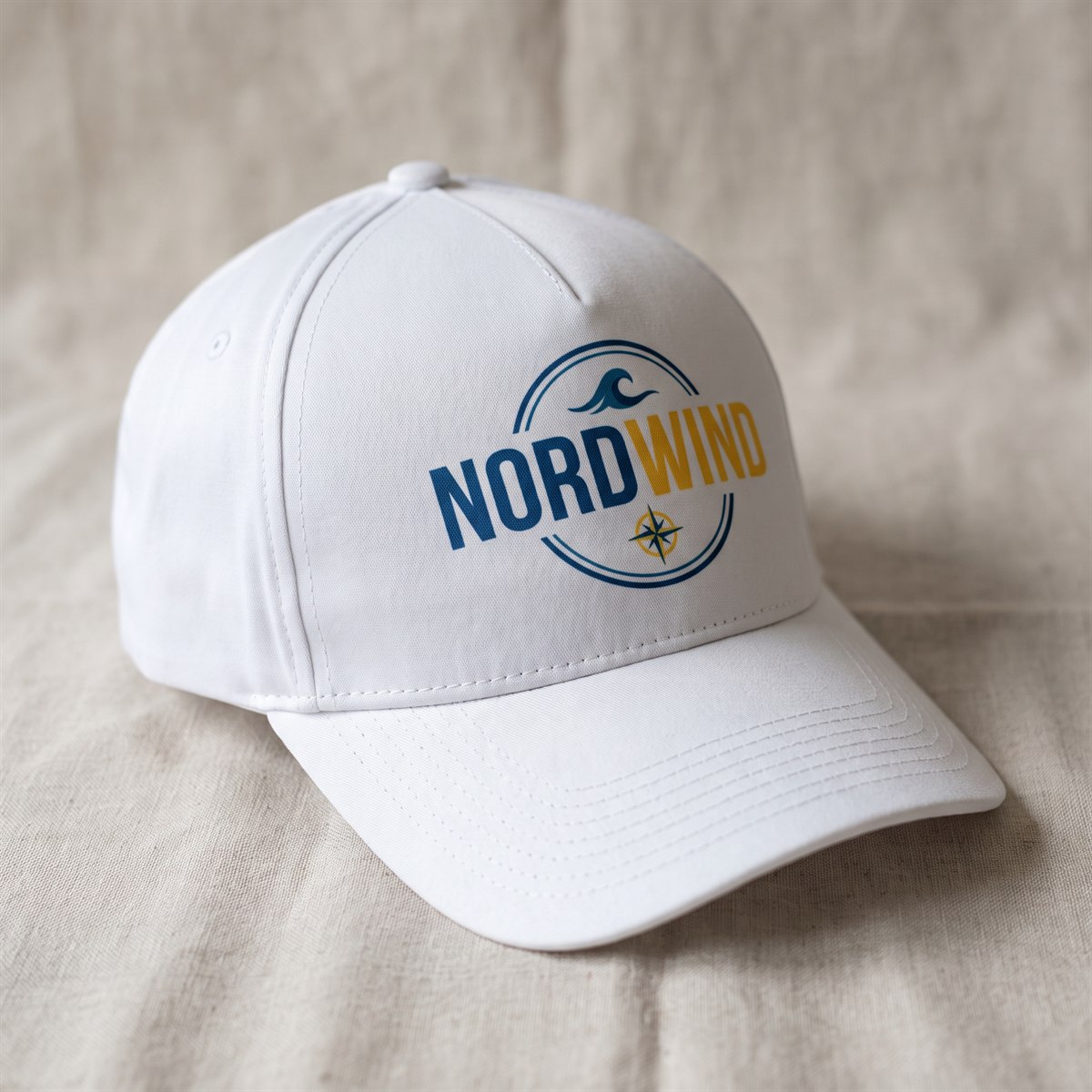
Personalising caps
Light-coloured polyester caps take the design over the curve. Unlike embroidery, the inside stays smooth, with no threads on the forehead.
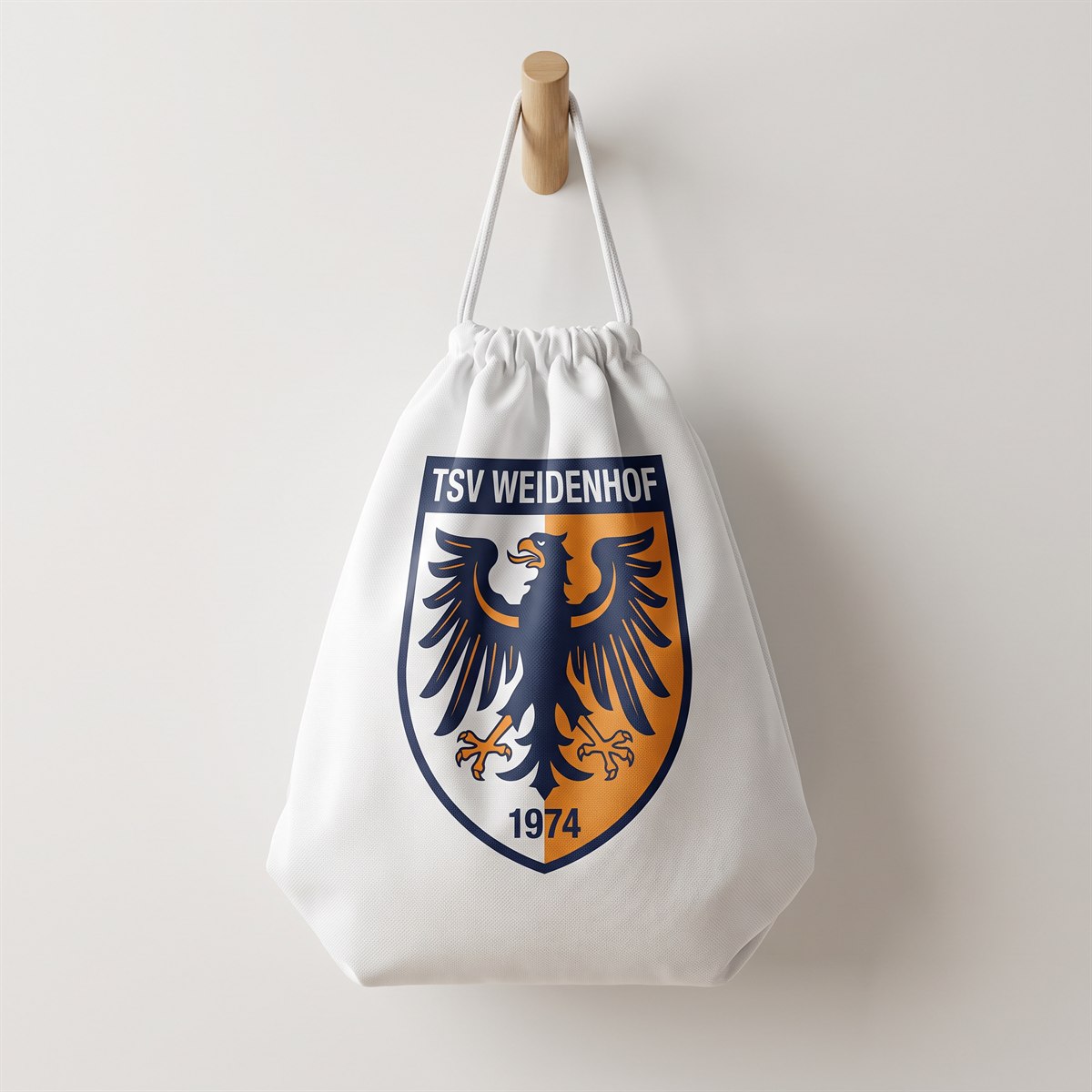
Having gym bags printed
The classic for clubs, school classes and club events. Large designs reach right to the edges without a visible film edge.
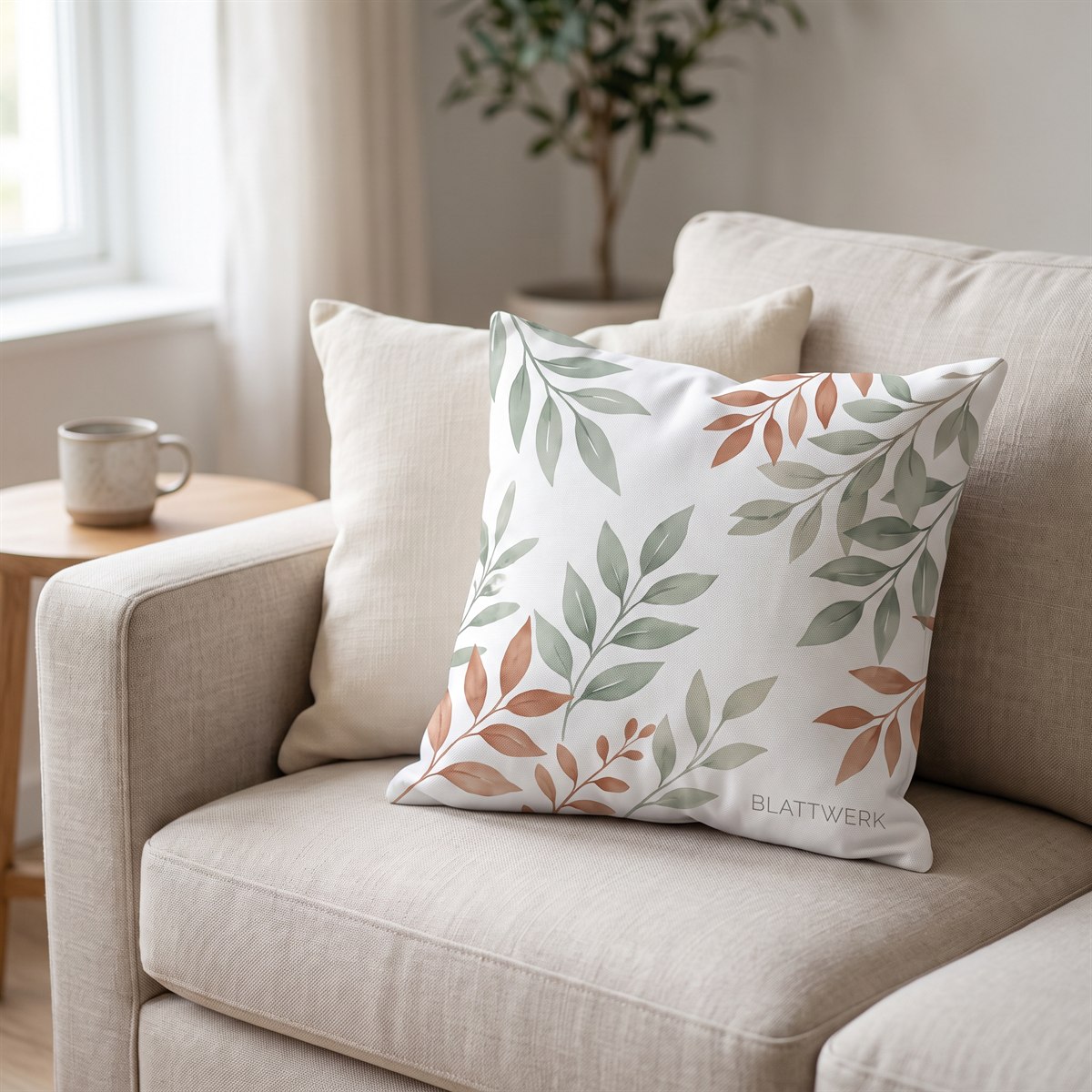
Designing cushion covers
Photos and patterns on light-coloured polyester fabric. The fabric stays soft and drapes as before, because there is no layer on the fabric.
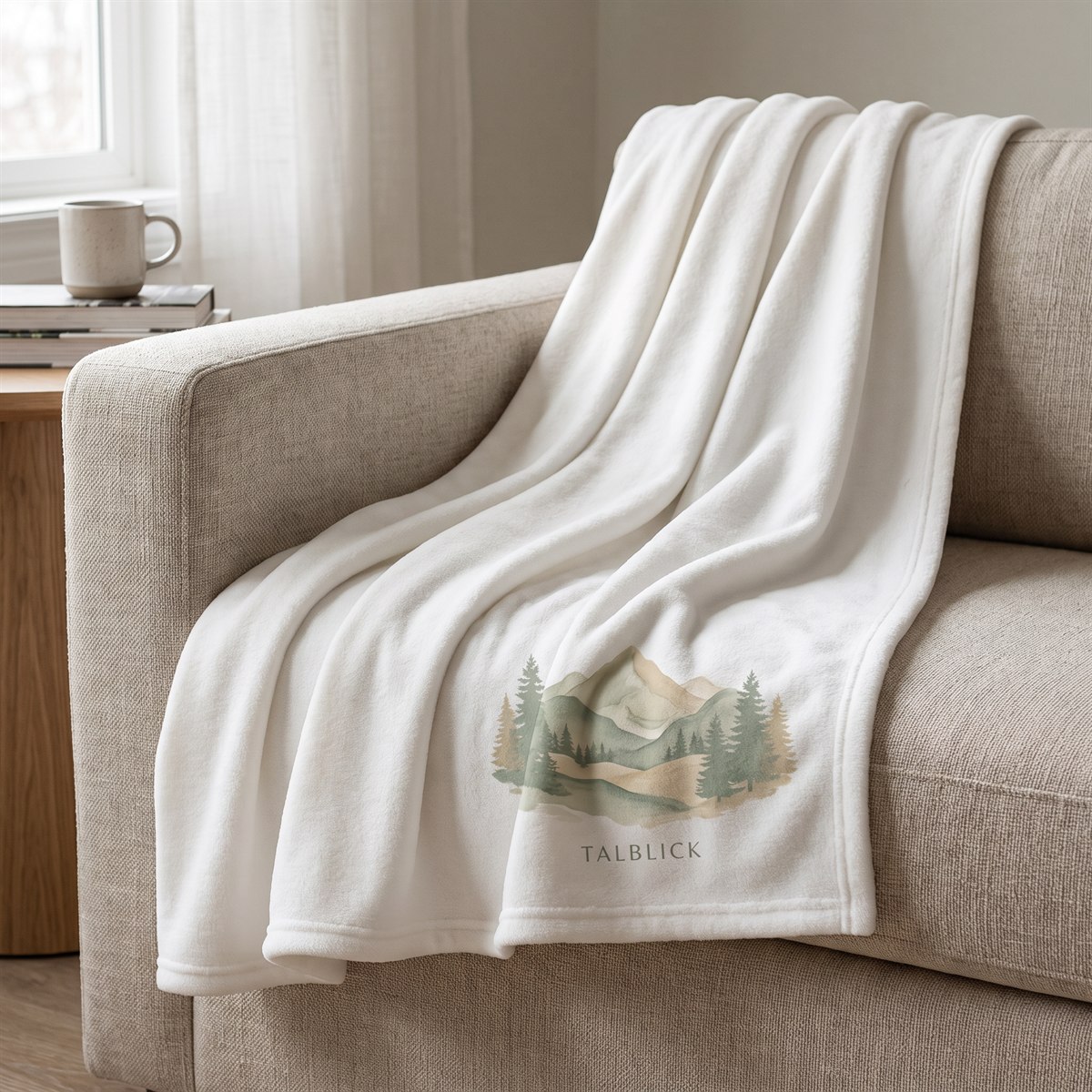
Printing fleece blankets
Polyester fleece absorbs the ink particularly deeply. The blanket stays soft and fluffy, because nothing sits on the pile; the fibres themselves are dyed.
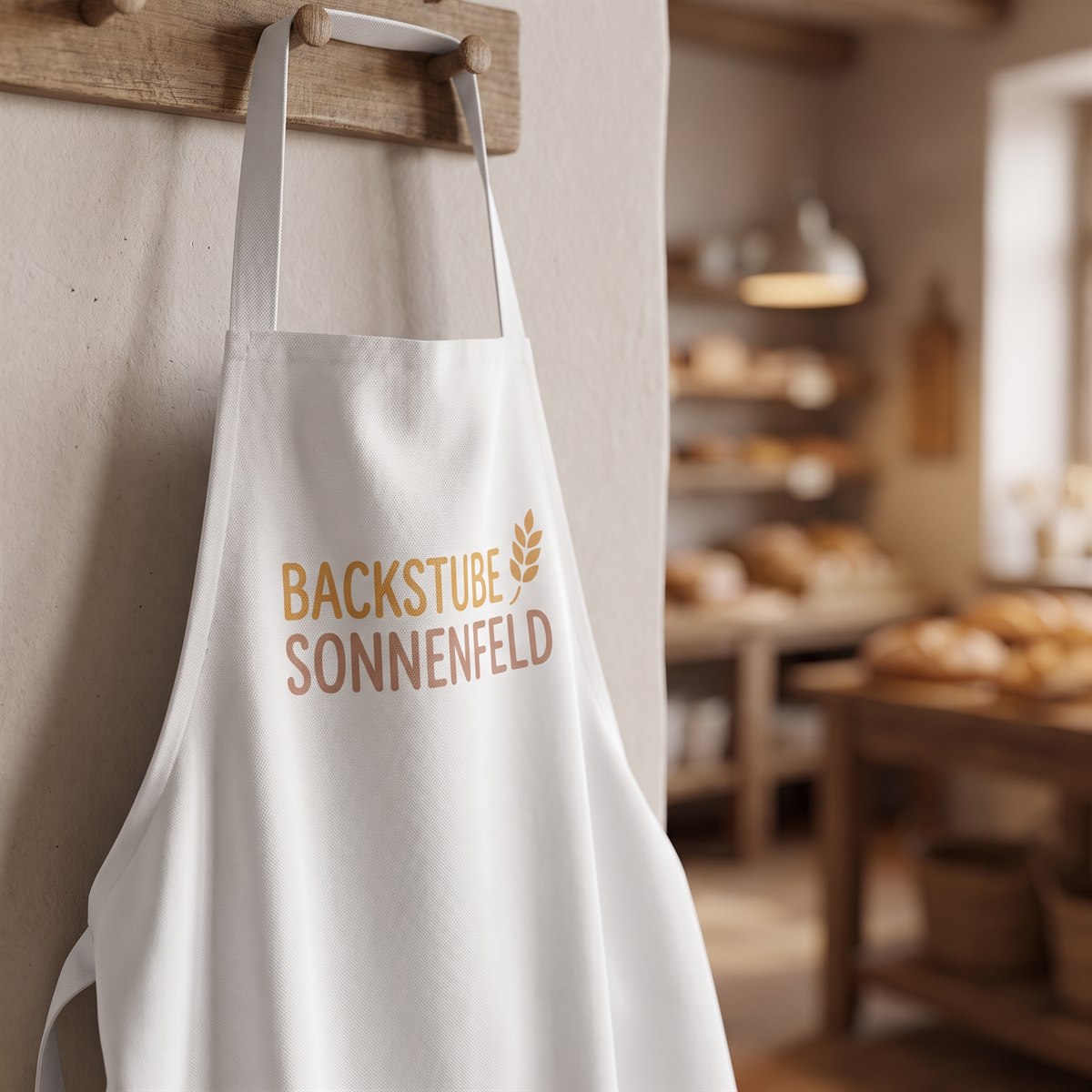
Personalising aprons
For bakeries, cafés and farm shops. On a light-coloured polyester apron, the logo stays strong even after many washes and does not crack.
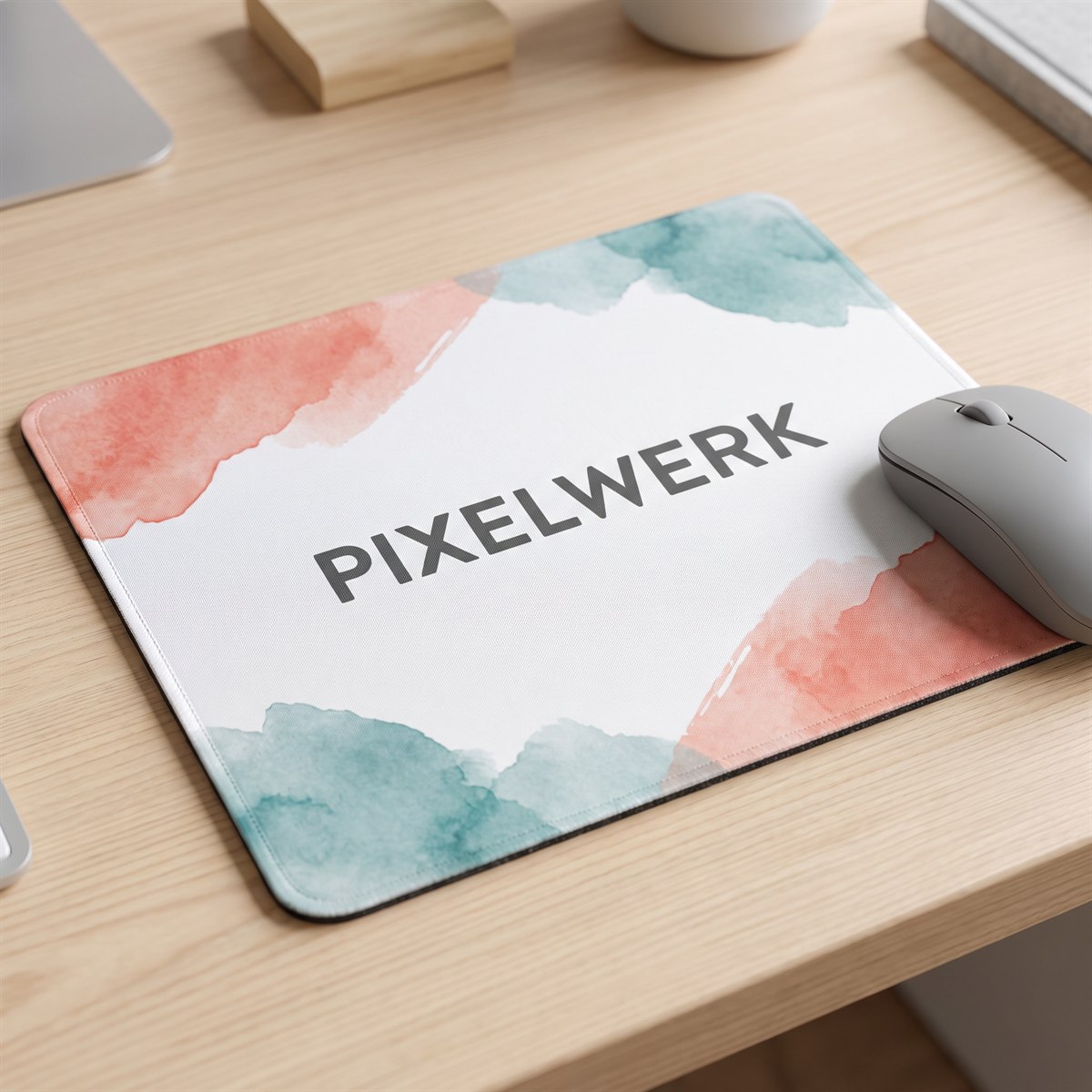
Designing mouse mats
The design covers the full surface right to all four edges. The gliding surface stays unchanged, because nothing is applied; it is only dyed.
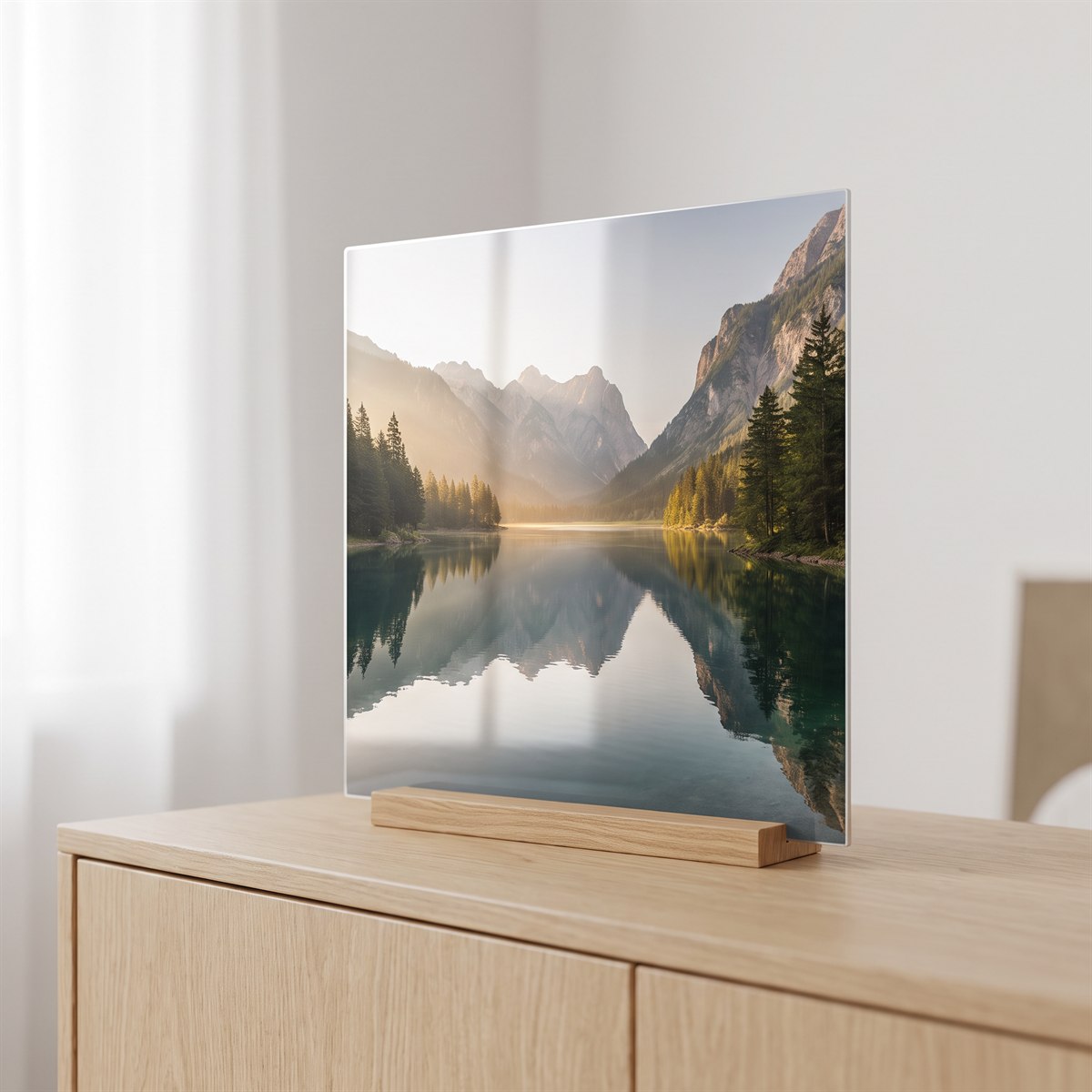
Aluminium photo panels
Coated aluminium brings depth and fine detail. The image sits in the coating, with no frame and no visible edge.

Having jigsaw puzzles printed
Photo gifts from a single piece. Because the image lies in the coating, no paper lifts at the die-cut edges and the pieces stay clean.
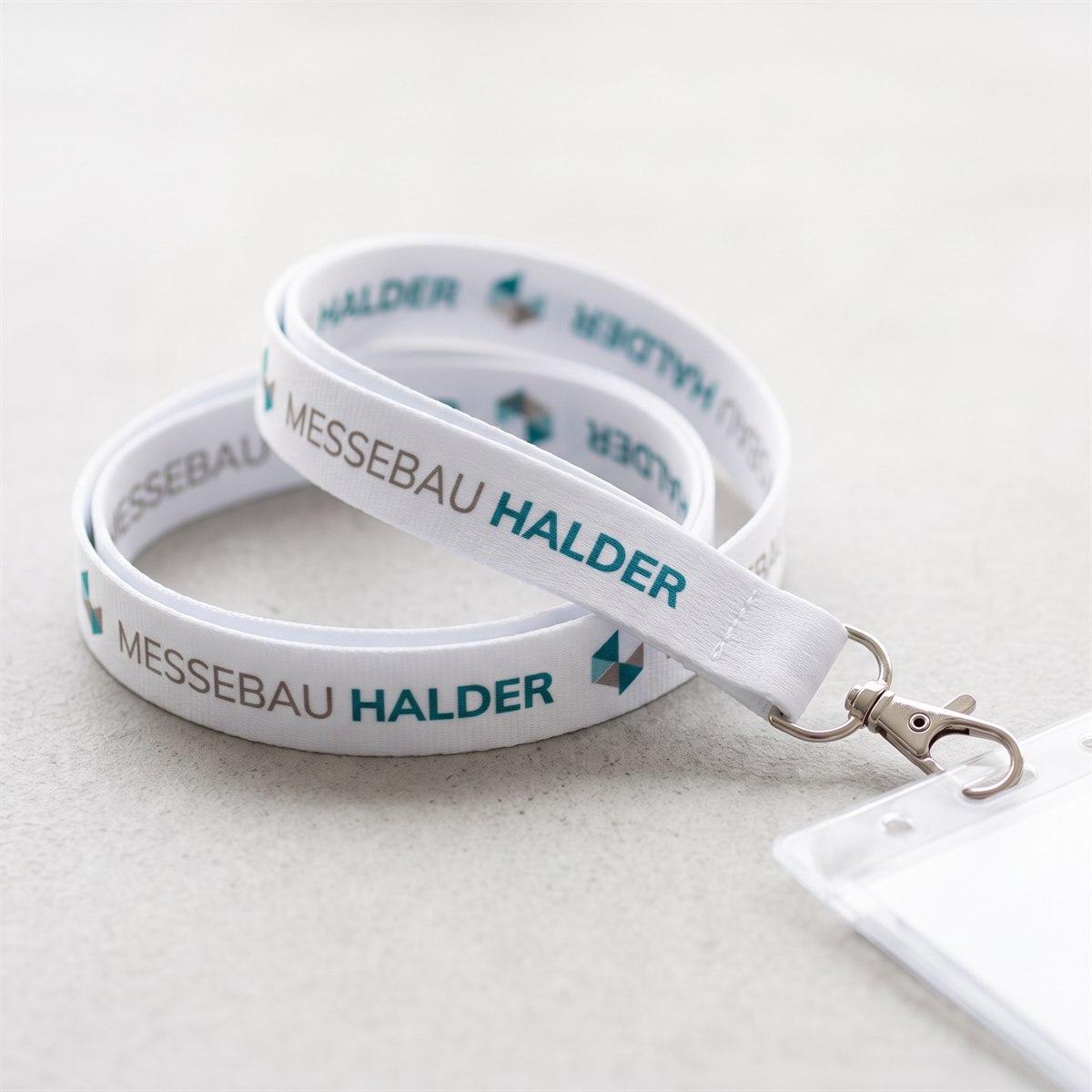
Key straps and lanyards
For trade fairs, companies and clubs. Because the ink bonds with the fibre, the lettering does not rub off in daily use and the strap stays soft.
Choice, files, ordering and application
Everything you need to know about sublimation transfers
Here you will find all the product help in one place, from choosing the material and the right format to application. The print files are linked as a separate subsection so that all information stays in one place.
What is a sublimation transfer?
A sublimation transfer is transfer paper printed in mirror image. Under heat, the sublimation ink turns into a gas and bonds with polyester or a coating suitable for sublimation. The design therefore sits in the material and not on top as a film or ink layer.
Suitable items are white and very light-coloured textiles with at least 80 per cent polyester, as well as mugs, panels, mouse mats and other items that have been expressly coated for sublimation. Normal ceramics, uncoated metal, cotton and dark textiles do not give the desired result.
No white print: White is not printed. After pressing, white parts of the design and fully transparent areas show the colour or surface of the item. Other print colours are also affected on coloured surfaces.
Which format is suitable for what?
Choose the size according to item, design area and run. A4 and A3 are suitable for single designs and tests, the special formats for mugs and cushions. Large sheets offer more space for runs and different design sizes.
| Format | Suitable for | Important note |
|---|---|---|
| A4, 210 x 297 mm | Small designs, logos, tests and one-offs | No trimming to A4: the sheet comes in roll width and A4 height, no automatic scaling |
| A3, 297 x 420 mm | Larger textile designs and several small designs | No trimming to A3: the sheet comes in roll width and A3 height, no automatic scaling |
| Cushion, 400 x 400 mm | Square designs for cushions and similar items | Set up the file at the ordered final size |
| Mug, 95 x 210 mm | Coated mugs in the standard format | Set up the file at 95 x 210 mm, delivery centred on a 100 x 240 mm sheet |
| 500 x 1100 mm | Long designs and smaller runs | Available as a standard and express product |
| 1000 x 1100 mm | Large designs, many designs and extensive runs | According to the product information, this format is always shipped with DHL |
Setting up print files for sublimation correctly
- Upload your print file as a PDF or PNG at the ordered size.
- Create your gang sheet as a single page. The upload turns multi-page PDFs away directly, so upload each page as a separate file.
- A single file may be no larger than 500 MB.
- Create images and designs at 300 dpi if possible so that edges, fonts and details print cleanly.
- Do not mirror your file. The production process takes care of the necessary mirroring.
- Work in the CMYK colour space. We recommend ISO Coated v2 300% (ECI) as the colour profile. This profile limits the total ink coverage to 300 per cent.
- Set black as C 0, M 0, Y 0 and K 100. Do not use additional cyan, magenta or yellow for black and grey elements.
- Avoid four-colour black and excessive total ink coverage. Too much ink takes longer to dry and can therefore smudge.
- Plan white parts of the design deliberately. As no white is printed, the item remains visible in these areas.
- Set up A4 and A3 at exactly the ordered final size. The sheets come uncut, in the width of the roll and at the height of the format, and are not scaled automatically.
- For the mug format, set up your file at 95 x 210 mm and we place it centred on a 100 x 240 mm sheet.
If you want to fill the ordered area with several designs, arrange them side by side in your print file. For an additional check of your finished file, activate the Pro File Check on the product; it is not available for the express version. It covers the format, colour mode with colour profile and the main transparency, not the resolution.
You will find further information in the blog posts Sublimation explained: how sublimation printing works, Gang sheet building for true Kings! and Understanding RGB and CMYK.
Standard production or sublimation express?
The regular production time is 1 to 3 working days. For short-notice orders, sublimation 500 x 1100 mm is currently available as an express product. If error-free print files and payment are complete by 11:00 (German time), the express order is produced on the same working day and, with express shipping, dispatched the same day. For orders of up to 10 metres in total, the cut-off is 14:00.
For fast delivery, also choose express shipping with DHL or UPS during checkout. In around 95 per cent of cases, the shipment arrives on the following working day. Alternatively, you can collect your finished order from us. You will receive a message as soon as your order is ready.
How to order sublimation transfers
- Choose the right format and, for a short-notice order, the available express product.
- Set the quantity you want. For larger runs, the unit price goes down thanks to the tiered prices.
- Upload your print-ready single page on the product and add the configured item to the basket.
- On the product page, you can use the multi-upload, often called bulk upload, to add several files by drag and drop and enter the required quantity for each file.
- Check the order details, payment and shipping method and complete your order.
Applying sublimation transfers correctly
- Check the transfer print, the material, the sublimation coating and the heat resistance of the item.
- Position the printed side of the transfer paper on the item and, if necessary, fix it with suitable heat-resistant tape.
- Take temperature, pressing time and pressure from the item manufacturer’s parameter list. Different textiles, mugs and coatings need different settings.
- Carry out a test press on the same item before a run and check colour effect, sharpness and material behaviour.
- If the result is clean, process the rest of the run with the same checked settings.
Good to know: Before pressing, the print on the transfer paper can look more matt or paler. Its final colour effect only appears when it is transferred to a suitable item.
If something does not work
Do not process the entire run straight away if the colour, sharpness or transfer does not turn out as expected. First check item, coating, temperature, pressing time, pressure and the correct position of the transfer paper.
Then contact our customer service with your order number, photos, material or item details and the heat press settings used. We will do our best to support you and narrow down the cause together.
Sublimation printing for business customers
Have sublimation transfers printed and order printed sublimation paper
With ready-printed sublimation transfers, you can expand your production without having to output every sheet yourself. DTF-King prints your files on sublimation paper, takes care of the necessary mirroring and delivers the finished transfer ready for pressing. The offer is aimed at garment decorators, sign makers, merch producers, club outfitters and other business customers who produce one-offs, small runs or recurring orders.
For light-coloured polyester textiles, you can choose from A4, A3, 500 x 1100 mm and 1000 x 1100 mm. You can also get special sublimation transfers for mugs and cushions and an express format for short-notice production. This lets you order sublimation printing for sportswear, clubwear, lanyards, promotional items, photo products and coated mugs to suit the design size. For larger quantities, the tiered prices apply and reduce the price per transfer sheet.
Sublimation delivers brilliant colours and a print you cannot feel, because the ink bonds with the suitable material under heat. It requires light-coloured items with a high polyester content or a coating intended for sublimation. As the process has no white print, white areas of the design remain unprinted and show the respective surface. For cotton, dark textiles or an opaque white build-up, DTF transfers are the better solution.